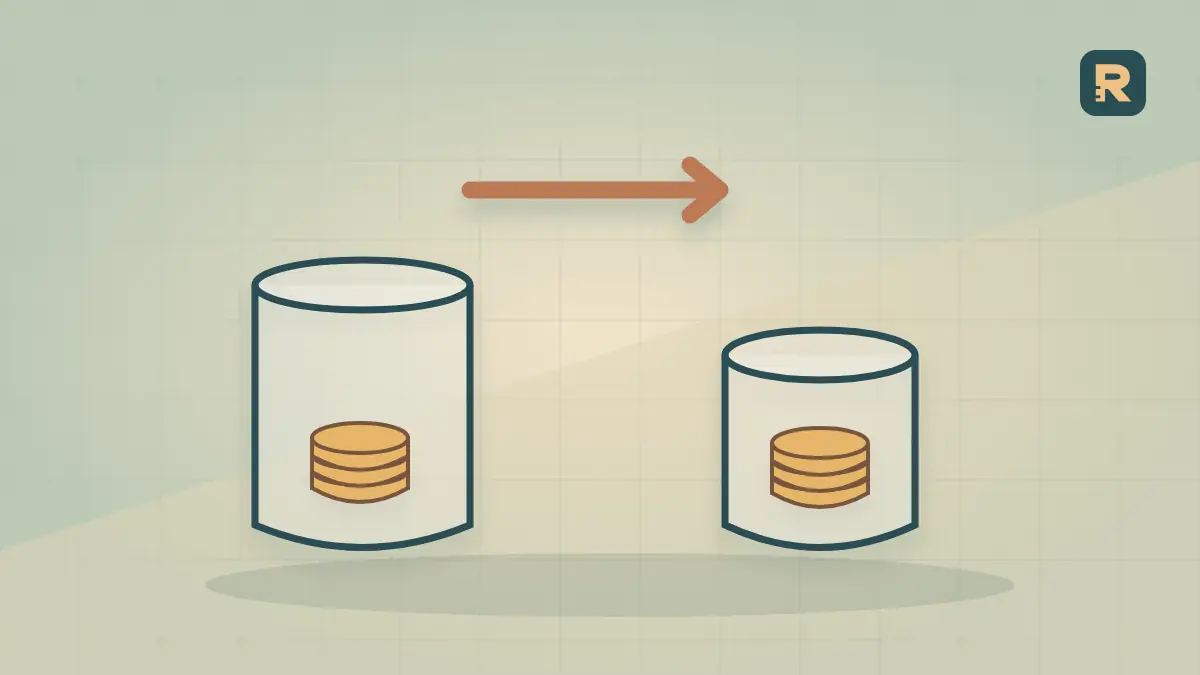
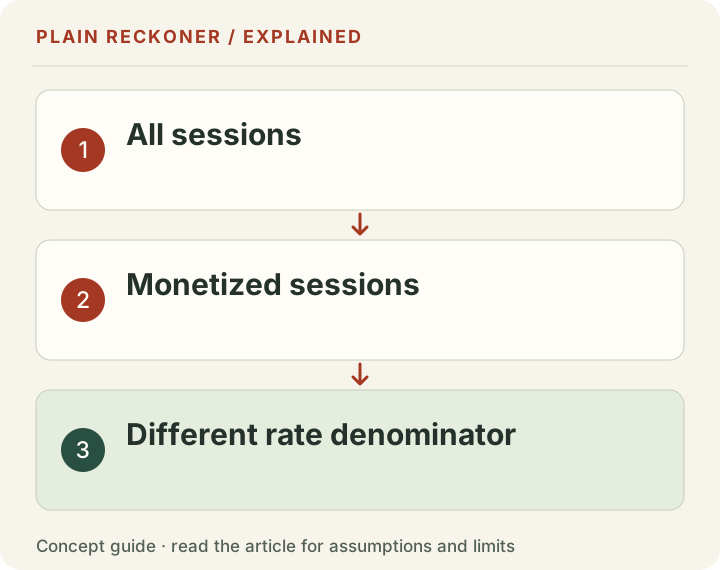
A dashboard can show $20 instead of $12 while the publisher still earns the same $600. That is what happens in our worked example when revenue is divided by monetized sessions instead of all sessions.
Mediavine introduced monetized RPM, or mRPM, in its new dashboard in 2026. Its official explanation describes a denominator limited to sessions in which at least one ad was served. It also describes a traffic-type toggle for viewing the all-traffic comparison.
That is useful information about the traffic that earns. It is not a cash increase by itself.
Hold revenue still and change one input
This is a hypothetical calculation, not an observed Mediavine account.
| Quantity | Worked example |
|---|---|
| Revenue | $600 |
| All sessions | 50,000 |
| Sessions in which an ad was served | 30,000 |
| Monetized share of all sessions | 60% |
| All-traffic session RPM | $12 |
| Monetized session RPM | $20 |
All-traffic RPM = $600 / 50,000 × 1,000 = $12
Monetized RPM = $600 / 30,000 × 1,000 = $20
Relative rate change = ($20 / $12 − 1) × 100 = 66.7%
The rounded headline is 67%. Revenue is still $600. Forty percent of the sessions were removed from this example's second denominator; they did not suddenly disappear from the website's audience.
The gap tells you a share, not a cause
Where the revenue numerator and reporting scope match, all-traffic RPM divided by monetized RPM equals the monetized share of sessions. Here, $12 / $20 = 60%.
You cannot infer why the other 40% did not receive an ad from that ratio alone. The provider discusses several possible exclusions, but this calculation cannot identify a particular site's cause. Consent choices, ad blocking, traffic validity and advertiser demand need their own evidence. Do not disable privacy controls just to make this rate look better.
A sensitivity check
Keep the same hypothetical $600 and 50,000 total sessions. Only the share used in the monetized denominator changes:
Swipe or scroll the table horizontally to see every column.
| Monetized share | Monetized sessions | mRPM | Revenue |
|---|---|---|---|
| 25% | 12,500 | $48 | $600 |
| 50% | 25,000 | $24 | $600 |
| 75% | 37,500 | $16 | $600 |
| 100% | 50,000 | $12 | $600 |
The biggest mRPM in this table accompanies the smallest monetized share. That does not make it the best business. Rate, monetized volume and total revenue belong together.
What to compare after a dashboard change
Save the selected traffic type beside every exported RPM. Compare all-traffic with all-traffic and monetized with monetized, using the same session or pageview unit and date range. Keep revenue visible so a reporting change cannot be mistaken for a growth result.
If mRPM holds steady while total revenue falls, investigate the volume of monetized sessions. If monetized volume holds steady while revenue falls, the earnings per monetized session deserve attention. Neither pattern identifies a cause on its own; break down the period and traffic sources before changing the site.
For conversion between traffic units, use session RPM versus page RPM. Our public RPM table is based on total reported pageviews from historical sold businesses; it is not a monetized-session benchmark. For network entry rules rather than reporting definitions, start with Journey versus Mediavine.
When comparing earnings over time, use the two-period revenue comparison with the same traffic definition in both periods. Do not enter monetized sessions for one period and total sessions for the other. Its decomposition is arithmetic, not evidence of a provider’s performance or a causal diagnosis.
Evidence grade: A. This isolates a mathematical reporting effect using a labelled worked example and a vendor's metric definition. It measures no real publisher's exclusions or earnings uplift.
Put the metric change in its real reporting context
The provider's article is dated 5 May 2026. It describes a new view of revenue relative to monetized sessions. That is a documented product change, not evidence that a particular publisher's business improved on that date.
A reporting change can be valuable even when it creates no new revenue. It may make one part of the setup easier to inspect. The mistake is not using the new metric; the mistake is comparing a new definition with an old one while calling the difference growth.
Keep a before-and-after export using the same traffic definition. Record when the dashboard view changed and whether historical figures were recalculated. A revised historical series can make an old screenshot differ from a current export without implying that the cash actually changed.
Treat vendor descriptions as definitions and explanations of its own product. They do not independently establish that every excluded session belongs to one exact cause or that the chosen view is the best measure for every business decision.
Revenue can fall while monetized RPM rises
Consider a new chosen two-period example. Earlier, the site earns $600 from thirty thousand monetized sessions, giving $20 mRPM. Later, it earns $550 from twenty-five thousand monetized sessions, giving $22 mRPM.
Monetized RPM rises ten percent. Monetized sessions fall about 16.67%. Revenue falls about 8.33%. The rate improvement does not offset the volume decline.
Swipe or scroll the table horizontally to see every column.
| Chosen period | Monetized sessions | mRPM | Revenue |
|---|---|---|---|
| Earlier | 30,000 | $20 | $600 |
| Later | 25,000 | $22 | $550 |
The identity is straightforward: revenue equals monetized sessions multiplied by mRPM and divided by one thousand. The relative revenue factor is the volume factor multiplied by the rate factor. Here, 25,000 divided by 30,000, multiplied by 22 divided by 20, equals about 0.9167.
This is not a claim that the dashboard change caused a decline. It shows why both parts belong beside the total. A green rate badge can coexist with less earned money.
A smaller gap does not automatically mean more money
Return to the original $600 scenario with fifty thousand all sessions. Suppose monetized sessions rise from thirty thousand to forty thousand while earnings remain $600. The monetized share rises from sixty to eighty percent, and mRPM falls from $20 to $15.
That could look like weaker performance if you inspect only mRPM. But the earnings have not changed and the monetized share is larger. The rate is spread across more qualifying sessions.
This does not prove that coverage improved for a particular technical reason. Nor does it say the change was beneficial overall. It demonstrates another way the rate can move without an earnings change. Investigate the underlying session and ad-serving evidence before prescribing a fix.
A useful dashboard keeps all-session volume, monetized-session volume, mRPM, all-session RPM and revenue close enough to compare. You do not need every measure to be the headline. You do need enough context to avoid interpreting one as all of them.
Compare the traffic populations before using the share identity
The ratio of the two rates gives the monetized share only when they use the same revenue and compatible reporting scope. If one view includes a different period, currency, site group or revenue adjustment, the ratio no longer isolates that share.
Write the numerator beside each rate. If one is $600 and the other is $650, stop before calculating a coverage percentage. Resolve why the amounts differ. A mathematically neat ratio cannot repair mismatched source reports.
Then check the session scope. A network's monetized count and an unrelated analytics count may use different filters, observation methods or reporting boundaries. Google's session documentation describes its own measurement rules; it does not certify that another provider's count is the same population.
Keep a directly reported monetized share where the provider supplies it. Use the ratio as a reconciliation check, not a substitute for missing source definitions. If the populations cannot be aligned, report the uncertainty plainly.
Page RPM is another denominator, not another name for mRPM
Google's RPM definition makes the count part of the rate. Pageviews, total sessions and monetized sessions are three different possible denominators.
In a chosen example with $600, seventy-five thousand pageviews, fifty thousand all sessions and thirty thousand monetized sessions, page RPM is $8, all-session RPM is $12 and mRPM is $20. All three calculations can describe the same earnings amount.
You cannot conclude that a $20 monetized-session rate beats an $8 page rate by $12 per comparable thousand. Those thousands count different things. To compare provider outcomes, obtain the matching earnings and traffic counts for a common scope and unit.
The session-versus-page guide focuses on that conversion. This page focuses on the monetized-population filter and the coverage question it introduces. Keeping those two questions separate prevents one adjustment from hiding another.
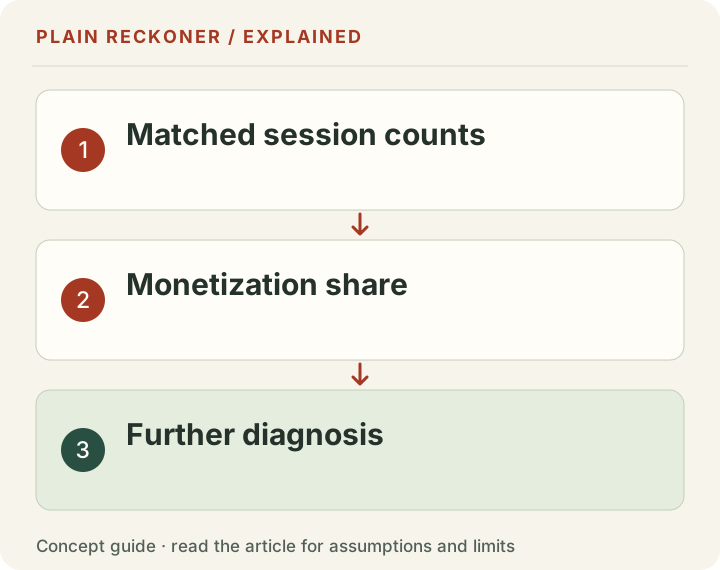
A gap is a starting point for investigation
If the monetized share changes, ask which dimensions changed with it. Examine the report's available countries, devices, page groups and sources. Look for a dated implementation event, a consent change, a traffic spike or an unusual audience mix.
Do not describe every unmonetized visit as wasted. A reader may have a legitimate privacy choice, use an ad blocker or arrive on a page whose main purpose is not monetization. Public usefulness and advertising eligibility are related business considerations, not identical measures of a person's value.
Likewise, do not weaken consent controls or obstruct reading simply to increase the monetized count. Any change must respect the applicable requirements and the experience you promise. A larger advertising denominator is not worth an inaccurate privacy statement or a broken primary task.
If the report lacks cause breakdowns, name possible explanations as hypotheses. A public HTML scan cannot reveal an individual account's full monetization coverage or private request logs. Use the correct evidence for the claim rather than ask one ratio to answer everything.
Segment rates need their own weights
Suppose one chosen page group has ten thousand monetized sessions at $30 mRPM, earning $300. Another has thirty thousand at $10, also earning $300. The simple average of the rates is $20.
Together they earn $600 from forty thousand monetized sessions, so pooled mRPM is $15. The larger lower-rate group carries more session weight. Averaging the two labels equally gives a different statistic.
The same issue applies across months and countries. For a combined monetized-session rate, divide the matching total earnings by the matching total monetized sessions. If you want an equal-group summary, label it as that and do not present it as the pooled rate.
A mix change can move the combined result while each group's rate stays unchanged. That is another reason to inspect segments before crediting a technical optimization. The arithmetic identifies where to look; it does not establish the underlying cause.
Handle zero and missing values carefully
If there are zero monetized sessions, a meaningful positive mRPM cannot be calculated from that denominator. A blank or unavailable count should remain unavailable. Do not substitute a default example and display it as the visitor's result.
With positive monetized sessions and zero earnings, the rate is zero under the stated definition. That is different from a missing earnings report. With positive earnings and zero reported monetized sessions, investigate period and source alignment rather than display infinity.
A monetized share above one hundred percent is inconsistent with a true subset of the same total-session population. It can indicate mismatched periods, sources, definitions or an input error. Flag the inconsistency before calculating a recommendation.
These boundaries are useful checks on a report or a calculator. They do not prove the source counts are complete. Keep arithmetic validity and measurement validity as two separate review steps.
Decide what to do with a clearer report
Start by writing the observation in ordinary language. For example: “Earnings stayed at $600 while the selected rate changed because the session count changed.” Or: “mRPM rose, but fewer monetized sessions left total earnings lower.” Those statements are more informative than a bare percentage badge.
Then choose the evidence needed next. A traffic-volume change calls for acquisition and audience reporting. A coverage change calls for the available monetization breakdowns and setup review. A lower earnings rate within a stable segment calls for more specific inventory and demand investigation.
Keep implementation dates and complete comparison periods. If you change several features at once, the later result may not identify which mattered. If the sample is small, leave room for ordinary variation and delayed reporting.
Use the free comparison tool only with compatible definitions in both periods. The tool can separate volume and rate arithmetic; it cannot infer why a private provider's monetized share changed. When the source data is unclear, request a manual review with non-sensitive totals and the exact labels, not account credentials.
Keep a small export checklist
Before saving a screenshot, add the traffic type, period, revenue basis and site scope to its caption. A later reader should not have to guess whether the number is per all sessions or only monetized sessions. Preserve the underlying totals where the export makes them available.
When a colleague compares that screenshot with another dashboard, ask for the same labels on both. A correct number can still support the wrong comparison if one side silently filters its denominator. Resolve that mismatch before discussing which network is performing better.
For a business budget, retain actual earnings and costs alongside the reporting rates. A narrower rate can help investigate monetization, but bills are paid from cash and a site's sustainability depends on the contribution left after costs. Neither conclusion is contained in mRPM alone.
Finally, keep the source date with any description of the feature. A provider can change default views, names or definitions. A current check should verify the live documentation and the report actually in front of you rather than repeat a remembered interface. That maintenance step protects the comparison when the dashboard changes again.
Keep the original export so each revised comparison remains traceable.