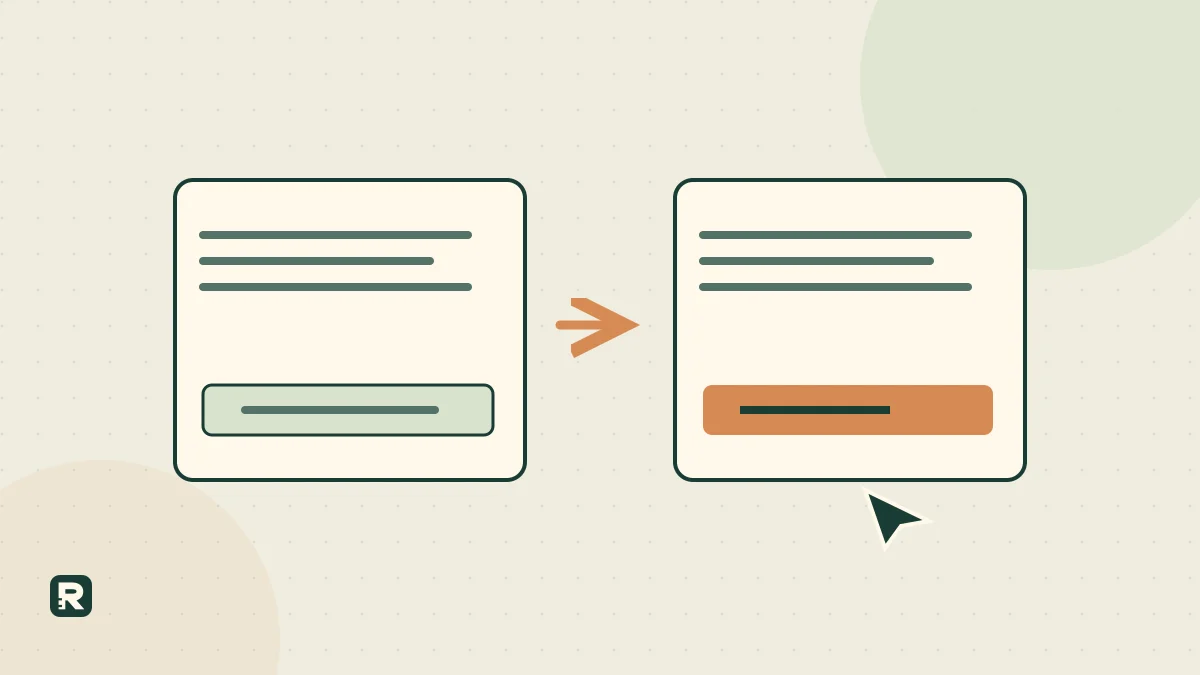
A call to action should tell a visitor what happens next. “Request a quote,” “Compare starter kits” and “View a sample report” work for different situations. Choose the one your page actually fulfils instead of looking for a universally powerful button word.
The text around the button matters too. People need to understand what they are requesting, whether it costs money and whether they are committing to anything. Clear action wording helps them choose; it should not trick them into taking a larger step than expected.
Use the free CTA Lab to keep two drafts, their destinations and the intended outcome together. The original examples and worked calculations below explain how to evaluate them without turning a small click count into a sales prediction.
Start with the outcome, then write the button
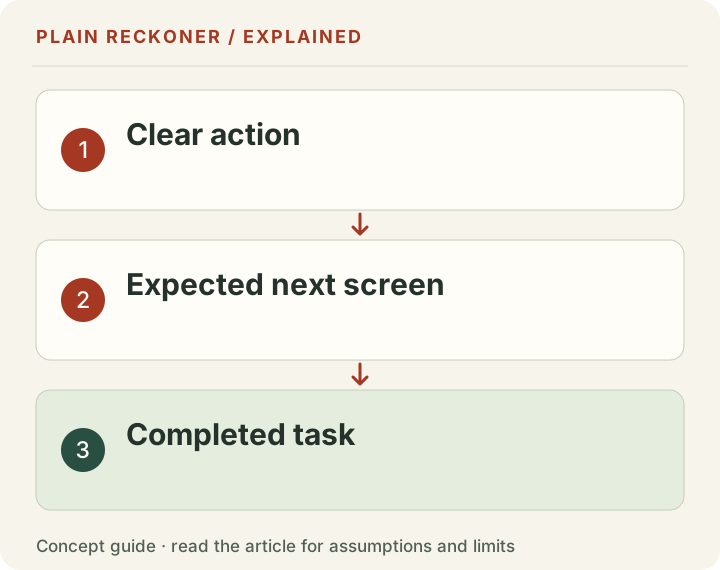
Decide what a successful next step means for the reader and the business. Opening a sample is different from requesting a consultation. A completed purchase is different from starting checkout. Those distinctions should guide the label and the measurement.
For an enquiry form, success may mean the team receives a relevant request with usable contact information. A click on the contact button is only an intermediate action. If the form fails, the click has not delivered the promised outcome.
For a free tool, success may mean the person supplies suitable inputs and receives an understandable result. A visit to the tool is not necessarily successful use. Avoid claiming completion merely because the button received attention.
Write the destination before polishing the phrase. If the destination is unclear, a more persuasive verb will not resolve the product decision. The best next step is sometimes to simplify the actual journey rather than rewrite its entrance.
Separate learning, contact and purchase
A learning action helps the visitor inspect information: view an example, compare options or read the method. It should provide that information without an undisclosed commercial hurdle. Asking for an email first changes the commitment and should be stated before the action.
A contact action asks the business to respond. Examples include requesting a quote or discussing a project. Explain what the person should supply and what happens after submission. Do not label a request as a confirmed appointment if availability is checked later.
A purchase action creates or advances a commercial commitment. Price, product and relevant terms should be clear at the appropriate stage. A button that sounds like a free exploration should not unexpectedly authorize payment.
These actions can appear in one journey without competing equally. A visitor ready to buy may need a direct route, while someone evaluating suitability needs evidence first. The page should make those choices understandable rather than force every visitor into the same sales conversation.
Original examples for a local service
For a bike repair business, “Ask about a repair” fits a form that collects the bike type and problem for later review. Supporting copy might say that the team will confirm whether it can help and provide appointment options. The wording should match actual operations.
“Book an available slot” fits a destination where the user can inspect and select a real appointment. If the time is only provisional, explain that clearly. “Get fixed today” should not appear unless the business can support the implied timing and conditions.
For a custom installation service, “Request a measurement visit” can be more informative than “Start your transformation.” A lower-commitment alternative could be “See installation examples,” leading to genuine relevant work rather than decorative stock imagery.
These are writing demonstrations, not tested campaigns. The appropriate choice depends on the service, customer readiness and how the business handles the next step. A clear but operationally false action is still a poor action.
Original examples for an online shop
“Compare starter kits” fits a page that explains the differences between actual kits. “Choose a refill” fits a selection step for existing customers. “Add this kit to cart” belongs beside an identified product with its relevant options and price.
A vague “Get yours” may be understandable in context, but it can conceal which product or commitment is involved when used across several cards. Product-specific labels and nearby details reduce ambiguity without requiring a long sentence on every button.
A stock message is not a substitute for an action. If the item is unavailable, distinguish a back-in-stock notification from a preorder. The first requests a message; the second may involve a purchase. State the actual arrangement rather than borrowing the more attractive label.
A promotional action also needs an honest destination. “See the sale” should reveal the eligible products and conditions, not merely open a general catalogue where the reader must discover whether anything is discounted.
Original examples for software and free tools
“View a sample approval list” fits a working example of an approval-tracking product. “Try the calculator” fits a usable calculator. If an account or email is required before use, disclose that rather than making the first click discover the condition.
“Create my first project” can fit a step that actually creates a project after the user understands what will be stored. “Request a demo” describes contact with the business and should not be confused with an immediately available recorded example.
For a document download, name the output: “Download the cost worksheet” tells the user more than “Unlock value.” If the download contains only a sample, say sample. The wording should not promise the full research archive when the destination supplies a smaller table.
Do not use a countdown, fake scarcity or an invented usage count to make a free action appear urgent. The tool's practical usefulness should be the reason to try it. A visitor who understands the task can decide whether now is the right time.
Make the link's purpose accessible
The W3C guidance on link purpose explains why descriptive names and meaningful context help people decide whether to follow a link. This is especially important when assistive technology presents links separately from the visual layout.
A row of “Learn more” links can be harder to navigate than labels that identify the relevant service or example. Keep the context programmatically associated where needed, and check the actual accessible name rather than assuming the visual design supplies it.
Do not put essential meaning only in an icon, hover state or animation. A small arrow can support a label, but it should not be the entire explanation. Touch users do not necessarily have the same hover interaction as desktop users.
Use the correct control for the action. Navigation normally belongs in a link; an action such as submitting a form belongs in a button. Visual styling can match, but the interaction should remain understandable with a keyboard and assistive technology.
Write useful context without burying the action
The visitor may need only a short line: what is returned, whether payment is required and what happens next. Add detail when the commitment warrants it. A first enquiry should not require reading several screens of promotional copy before the form becomes intelligible.
For an original review-request example, “Send your draft for review” can sit beside a brief description of the returned feedback. Promise a turnaround only if the team can fulfil it. Do not call a general automated response an expert manual review.
Explain unusual information requests. If the website address helps review a page, that purpose is easy to state. If a field is optional, mark it optional. A visitor should not need to guess which details are necessary to receive the advertised output.
The W3C form-instructions tutorial provides practical guidance on labels, requirements and formats. Apply those principles after the button as well: the destination form is part of the action's promise.
Measure the completed action separately from the click
Google's event documentation describes measuring specific interactions. Its key-event guidance concerns actions important to the business. Neither makes a clicked button equivalent to a completed qualified enquiry automatically.
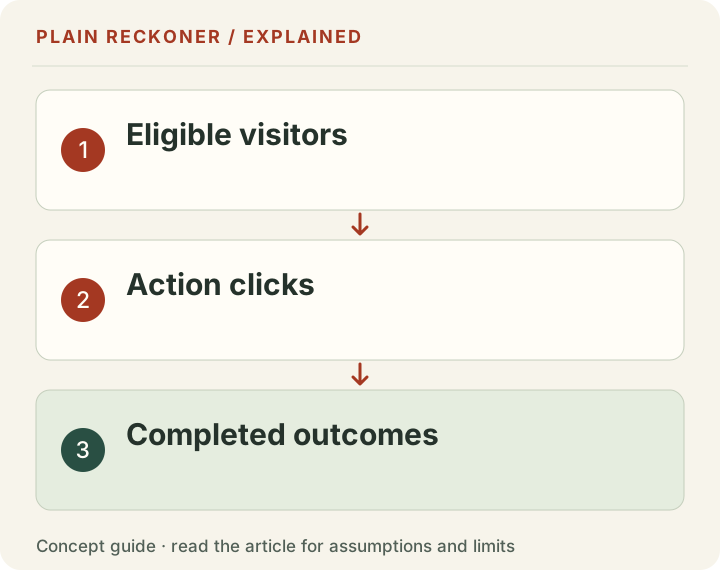
Check the actual implementation. A form-start event, attempted submission and successful receipt can be three separate stages. A button can be clicked several times, so an event count is not always a count of distinct people completing the task.
Choose a denominator that matches the question. A session-level completion rate is not the same as completions divided by button clicks. Both can be useful, but they describe different parts of the journey and should have different labels.
Use existing appropriate analytics and operational records before adding more tracking. Avoid sending business drafts, email addresses or other unnecessary personal data as event labels. The measurement should help answer a defined question without creating an unrelated privacy burden.
Work through the arithmetic before declaring improvement
Suppose chosen example A receives ten completed actions from 100 eligible visits, while B receives fifteen from 100. The rates are 10% and 15%. The absolute difference is five percentage points. The relative increase compared with A is 50%, because five divided by ten is one half.
Those are descriptions of the selected counts, not proof that B is a winner. The design, assignment, time period and amount of evidence determine what can be inferred. A small observed difference can occur without a durable improvement.
Now suppose A records no completions. A relative increase from zero has no finite percentage baseline. Report the counts and absolute rate difference instead of displaying infinity or an impressive invented lift. If there are no eligible visits, the completion rate is unavailable, not zero.
Validate the inputs too. Negative visits, completions greater than the relevant eligible count and mismatched periods need an error or explanation. A polished chart should not turn inconsistent inputs into a confident conclusion.
More clicks can produce fewer useful outcomes
Consider another chosen example. Version A produces 40 contact clicks and eight suitable requests. Version B produces 80 clicks and six suitable requests under the same defined scope. B has more clicks, but fewer of the outcome the business actually wanted.
The counts alone do not identify the cause. The new wording may attract curiosity, the destination may confuse visitors, or audience differences may explain the result. Investigate before concluding that stronger language helped or harmed.
This is why a primary outcome belongs in the comparison before data collection. If the business changes the target after seeing results, it can select whichever metric makes the preferred version look successful.
Keep secondary measures, but label them. Clicks can help diagnose attention and navigation; suitable requests can help assess the contact journey; sales and contribution address later business outcomes. No single measure automatically stands in for all the others.
Apply messaging ideas as hypotheses
The customer-centered approach in Building a StoryBrand 2.0 distinguishes useful actions within a broader message. One practical application is to connect the visitor's problem to an understandable next step, rather than ask them to admire the company.
That does not make one verb universally persuasive. A page can be clear and still receive little demand because the offer, price or timing does not fit. The book's commercial stories should not be repeated as a guarantee for a new button.
Write two plausible drafts based on a real uncertainty. For example, compare whether people understand “Request an estimate” or “Tell us about the repair” in the actual context. Avoid creating a dramatic alternative solely to make a preferred option look better.
A brief reader check can reveal expectations before a larger traffic test. Ask what each action would do and what the person believes they are committing to. Do not announce which answer the team wants before the participant responds.
Keep a simple comparison record
Record the two labels, surrounding context, destination, audience and completed outcome. Preserve the version each reader or visitor encountered. If the page changes midway, note the date rather than assigning all observations to the final version.
State whether the comparison is controlled or observational. A before-and-after change can also coincide with seasonality, new traffic or a revised offer. It may provide useful evidence without isolating the wording's effect.
For low-traffic sites, start with a practical comprehension or usability check instead of promising a rapid statistically decisive conversion result. A small group can reveal a broken expectation even when it cannot establish a precise conversion lift.
Use the CTA Lab to organize the drafts and known counts, and the Test Planner to write the next investigation. A good call to action does more than attract a click: it helps the reader take an informed step that the destination can actually deliver.
Check the promise after the action
A reliable next step includes its confirmation and recovery path. After a successful request, tell the person what was received and what happens next. If the request fails, preserve their input where appropriate and provide a clear way to retry or contact the business.
Check the words in automated replies too. A page promising a quotation request should not send a confirmation that implies an order has been placed. An enquiry that needs manual review should not be described as approved before anyone has checked it.
This final consistency check is easy to overlook because teams often review the homepage and form separately. Walk through the whole journey as one visitor. The button, destination, error, confirmation and follow-up should describe the same commitment. That makes the action useful beyond its first click.
Write a call-to-action button around its destination
For a call-to-action button, begin with the thing that opens next. ‘See prices’ should open prices. ‘Request a quote’ should open a quote request. ‘Book a visit’ should explain whether the visitor chooses a confirmed time or asks your team to confirm one. Adding stronger words cannot repair a mismatch between the button and its destination.
In call-to-action marketing, the denominator matters as much as the label. In an arithmetic example, 20 completed requests from 400 eligible visits is 5%. If 80 visitors clicked the button, the button-click rate is 20%, but it is not the completed-request rate. Record both before comparing two labels. Keep the audience, dates, device mix and destination stable enough to understand what changed.
Use the CTA tool to write the action and destination together. If you cannot say what a completed outcome is, settle that before choosing a more dramatic phrase.